Arcade Rental Setup Checklist for Florida Event Venues

Updated: 1 hour ago
Before finalizing arcade rentals, walk through the event from the delivery entrance to the playing area. A clear access plan and room layout help the rental team review what will work at your venue.
Use this checklist for a Florida hotel, office, event hall or private venue. Requirements vary by equipment, so treat it as a planning guide and have the team confirm the details for your selected games.
1. Confirm the venue and access route
Share the full venue address and the name of your on-site contact. Identify where delivery vehicles can arrive and which entrance leads to the event space. Tell the rental team about stairs, elevators, loading docks, long walkways and any restricted areas.
If a venue has a service elevator or designated vendor entrance, ask your contact about its dimensions, reservation process and allowed hours. Send photos or measurements when requested; do not assume equipment will fit because guests can use the same route.
2. Draw the game area into the floor plan
Mark your preferred equipment locations on the venue layout. Include room for players, spectators and people waiting for a turn. Keep the game area clear of entrances, exits and the routes guests and venue staff need to use.
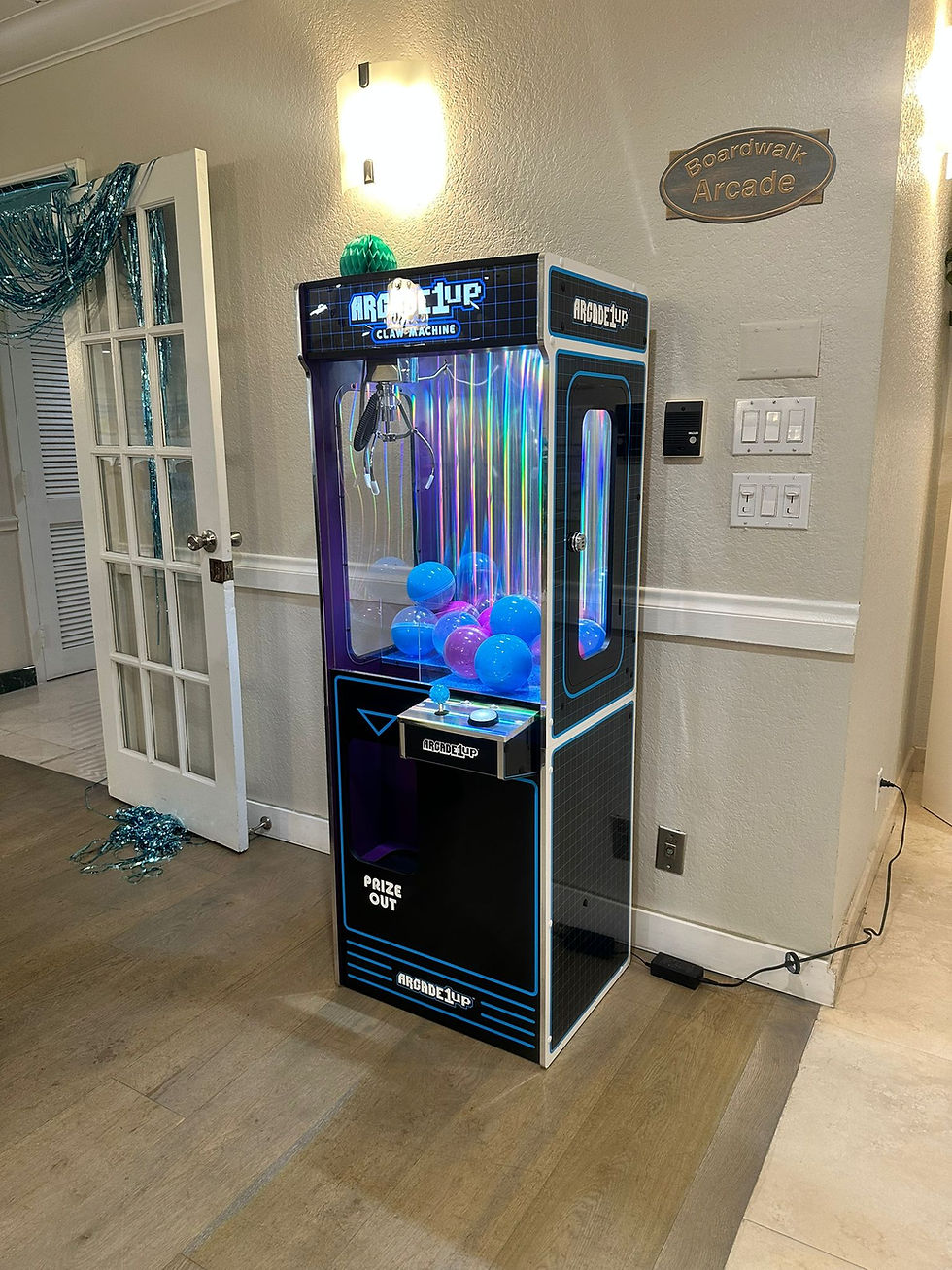
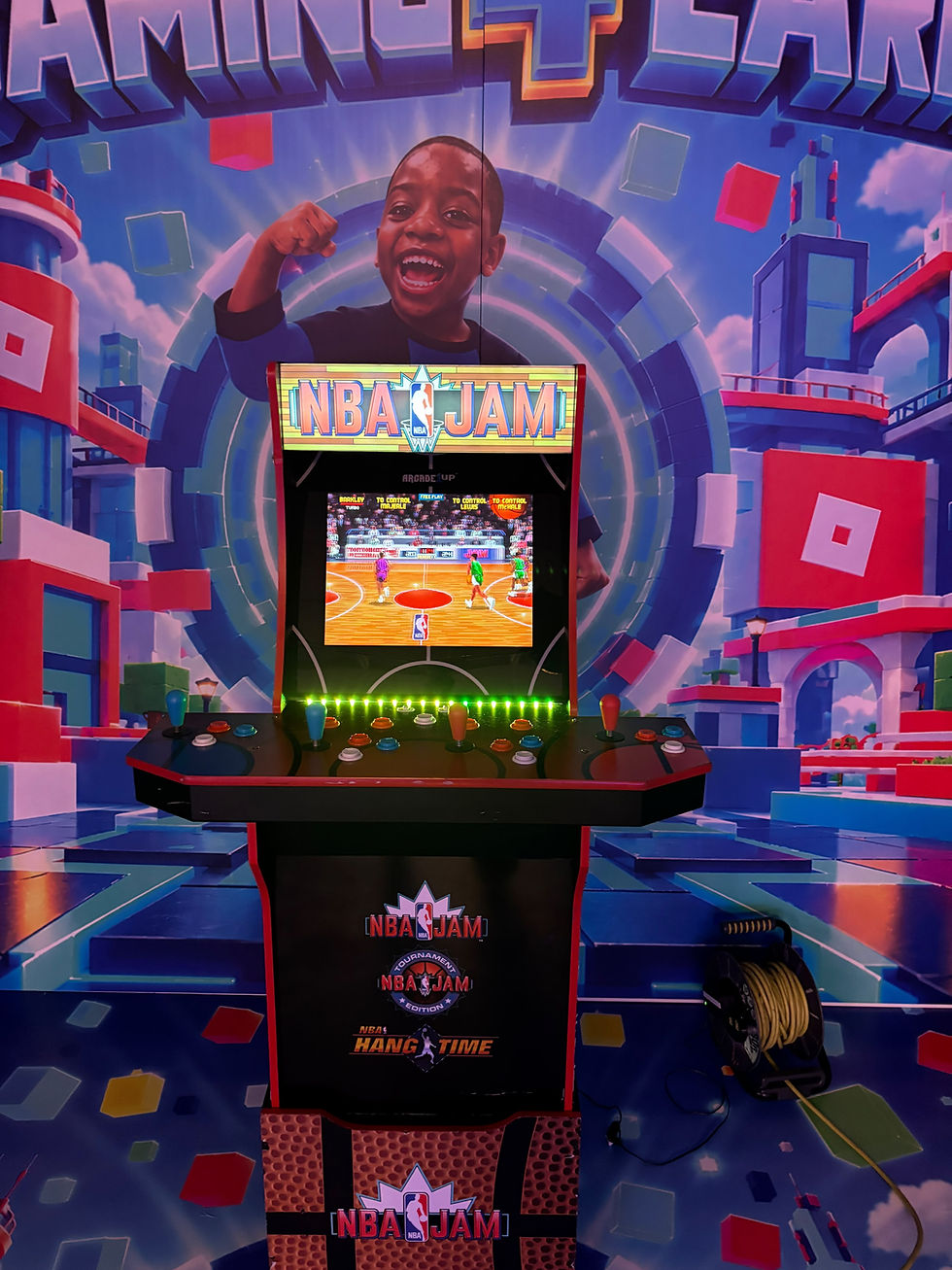
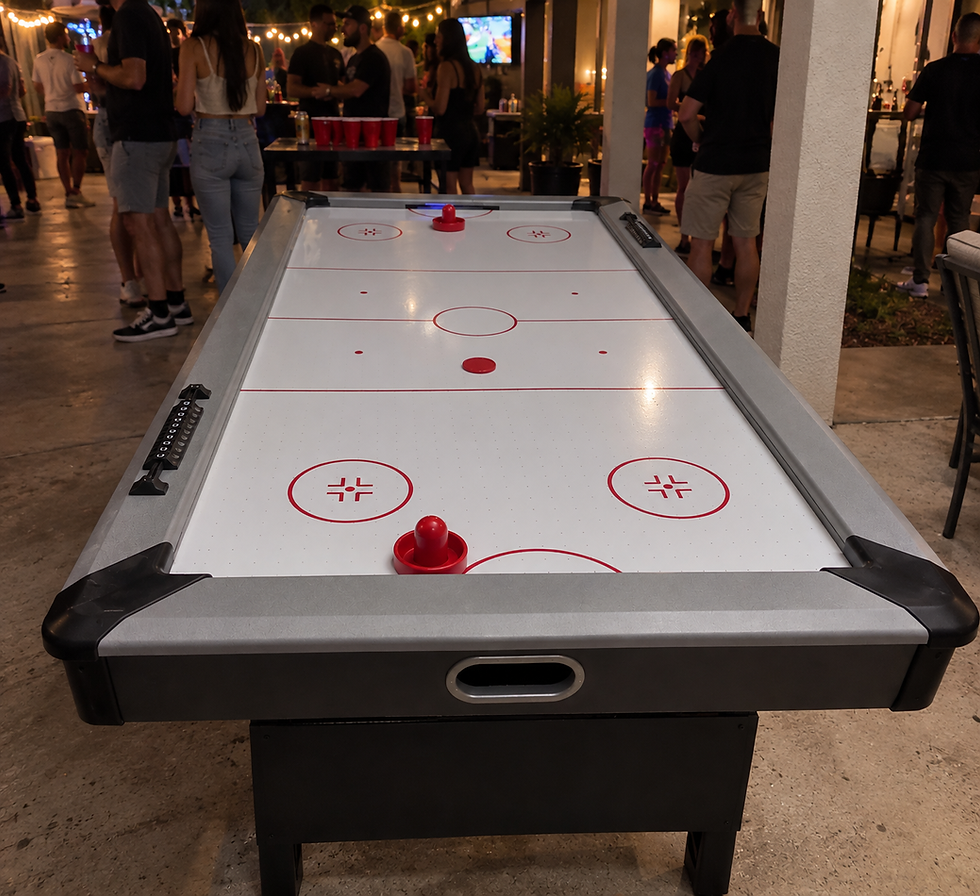
Table games need playing space around them, and an arcade cabinet needs space for the person using its controls. Ask for the requirements of the actual equipment being proposed. A photo or rough sketch is a useful starting point when you do not have a formal floor plan.
3. Ask specific power questions
Show the venue contact which games you are considering and ask where power is available in the proposed area. Have the rental team confirm the equipment’s electrical requirements and coordinate any cable-routing questions with the venue.
Do not plan multiple machines around an assumed outlet capacity. The number and type of games, the room layout and the venue’s available supply need to be reviewed together.
4. Review indoor, outdoor and covered locations
Tell us whether the games would be indoors, outdoors or under a tent or other cover. Describe the ground surface and exposure to weather, and discuss an alternative location if needed.
Equipment suitability is confirmed for the proposed setup. Do not assume a tent alone makes a location suitable for every machine, or that equipment shown outdoors in an event photo can be placed outdoors in all conditions.
5. Put access and event times on one schedule
When the venue will allow delivery and setup.
When the room must be ready for guests.
The hours you want guests to use the games.
Any presentations, room changes or quiet periods.
When pickup access will be available and who will be on site.
Share changes as soon as you know about them. A room that opens to vendors shortly before guest arrival may require a different plan from a venue with a longer setup window.
6. Confirm the proposal details
Review the selected equipment, event location, rental timing and agreed services together. Ask the team to clarify delivery, setup, pickup and event-support arrangements, as well as any venue-specific requirements. Confirm the complete price and terms in your proposal rather than assuming every possible service is included.
If you are still choosing equipment, browse the arcade rental catalog. You can send an inquiry even if your floor plan or exact guest count is still being finalized.
Details to send with your inquiry
A helpful first message includes your date, city, venue, preferred games, expected attendance and any known access restrictions. Florida Arcade Rentals serves events throughout Florida and will follow up to review availability and setup requirements.
Comments